
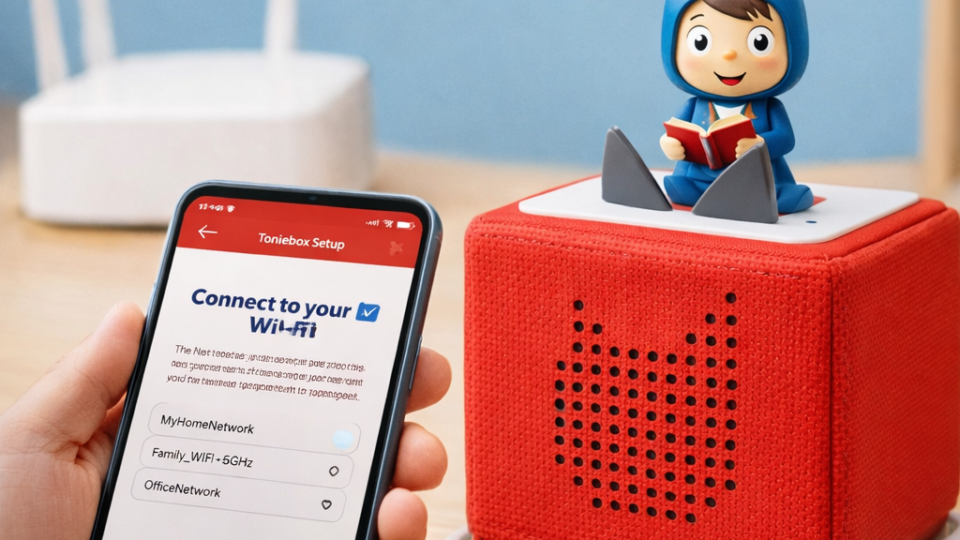
How to Connect Toniebox to WiFi: Simple Step-by-Step Guide for Parents
Setting up a new Toniebox for your child is exciting, but many parents get confused when it comes to connecting the device to WiFi for the first time. Since Toniebox works with downloadable audio content, an internet connection is needed during setup so stories and songs can load properly. The good news is that the process is simple and only takes a few minutes.
In this guide, you’ll learn how to connect Toniebox to WiFi in an easy and stress-free way. Whether you’re setting it up for the first time or reconnecting after changing internet networks, these steps will help you get the Toniebox ready quickly.
Why Toniebox Needs WiFi
Toniebox is designed to play stories and songs stored inside Tonie characters. However, when a character is used for the first time, the content must download through WiFi before playback begins. Once the audio is downloaded, children can listen offline anytime.
WiFi is also needed when adding new Tonies or updating content. After setup, children can use the device without internet, making it convenient for travel or quiet time.
Things Needed Before Setup
Before connecting Toniebox to WiFi, make sure you have everything ready. Preparation makes the process smooth and avoids interruptions.
You will need:
- Toniebox and charging station
- Home WiFi network
- WiFi password
- Smartphone, tablet, or computer
- Tonie account access
It is also important that the Toniebox battery is charged. Place the box on its charger before starting setup.
Step-by-Step Guide to Connect Toniebox to WiFi
First, place the Toniebox on its charging station and plug it into power. The box needs power during setup to avoid connection problems.
Next, press and hold both ears of the Toniebox at the same time for about five seconds. You will hear a sound indicating setup mode has started. A light signal usually appears, showing the device is ready for WiFi configuration.
Now open a browser on your phone or computer and go to the Tonie setup page. Follow the instructions to connect the Toniebox to your home WiFi network. Select your network name and enter the password carefully.
After confirmation, the Toniebox connects automatically. This process may take a few minutes. Once completed, you will hear a confirmation sound showing the device is ready to use.
Testing the Connection
After setup, place a Tonie character on the Toniebox. If the story starts playing after a short wait, the connection works correctly. The first time may take longer as audio downloads.
If playback begins normally, your device is now ready for everyday use. Children can enjoy stories without needing WiFi every time.
Common Connection Problems and Solutions
Sometimes connection issues happen, but they are easy to fix. If Toniebox does not connect, double-check your WiFi password and network name. Even small typing mistakes can stop setup.
Make sure your internet signal is strong near the Toniebox. Moving closer to the router during setup often helps. Restarting the Toniebox and trying again can also solve minor issues.
If problems continue, resetting setup mode and reconnecting usually works.
Changing WiFi Network Later
If you move homes or change internet providers, you can reconnect Toniebox to a new network easily. Simply activate setup mode again by holding both ears and repeat the connection steps using your new WiFi details.
This flexibility allows families to keep using the device anywhere with internet access.
Tips for Smooth Toniebox Use
Keeping Toniebox updated ensures better performance. Occasionally placing new Tonies on the box while connected to WiFi downloads content for offline listening.
Charging the device regularly avoids interruptions during playtime. Parents also recommend setting up content before giving the device to children, so stories are ready instantly.
Final Thoughts
Learning how to connect Toniebox to WiFi is simple once you follow the correct steps. The setup process only needs to be done once unless your network changes. After connection, children can enjoy stories and music freely without screens or complicated controls.
For parents looking for easy entertainment that encourages imagination, Toniebox continues to be a practical and enjoyable choice. Once connected, it becomes part of daily routines, making storytelling fun and accessible for kids anytime.
Leave a Reply