
How to Turn Off Toniebox — Easy Guide for Parents
Many parents ask how to turn off Toniebox after story time. The good news is that Toniebox is designed to turn off automatically, so children can use it safely without worrying about power buttons.
Unlike normal speakers, Toniebox focuses on simplicity for kids.
Does Toniebox Have a Power Off Button?
Toniebox does not have a traditional power button. Instead, it automatically goes into sleep mode when not in use.
After playback stops and no one interacts with the box for a few minutes, it shuts down on its own to save battery.
How Toniebox Turns Off Automatically
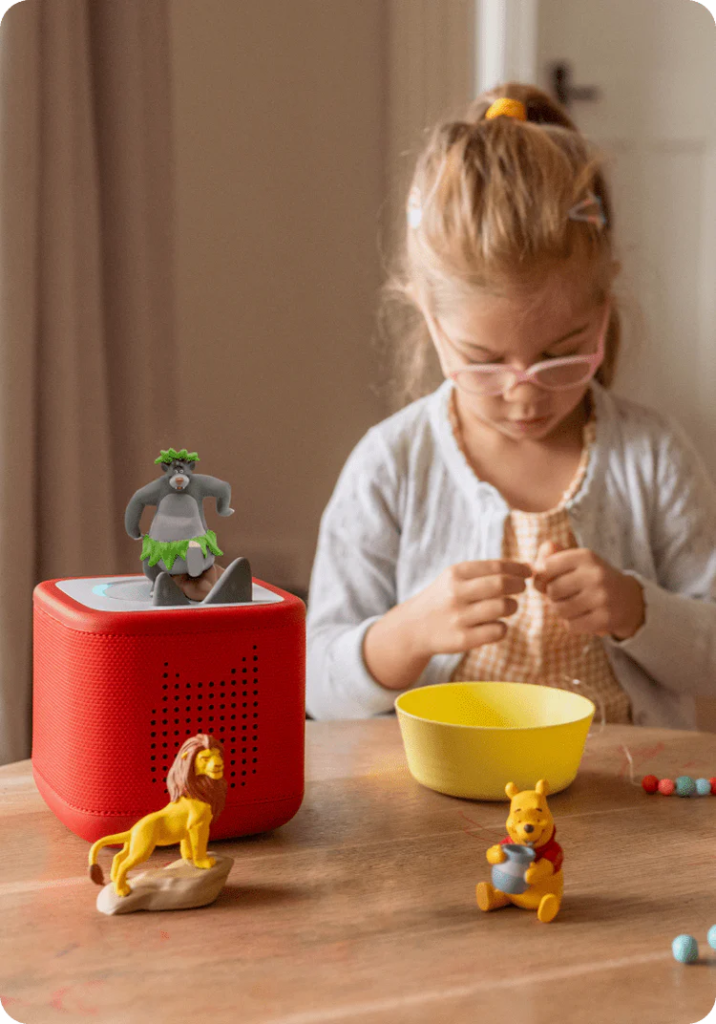
Toniebox powers down when:
• No Tonie character is playing
• No tapping or tilting occurs
• Audio playback has finished
Within a short time, the device enters sleep mode automatically.
How to Stop Toniebox ManuallyIf you want playback to stop sooner:
- Remove the Tonie character from the box.
- Audio stops instantly.
- After a few minutes without activity, Toniebox switches off automatically.
This is the easiest manual method.
Charging Mode Tip
When Toniebox sits on the charging station, it stays ready to use. Once removed and left idle, it will power off automatically again.
Battery Saving Advice
To save battery life:
• Remove Tonie after listening
• Place box away from constant tapping
• Charge overnight when needed
This keeps Toniebox ready for daily use.
Final Words
Toniebox is built for children, so turning it off is automatic and stress-free. Simply remove the character after listening, and the box powers down by itself.
Parents don’t need to worry about complicated controls — Toniebox handles it automatically.